Agentic Adventures - Using llama.cpp Part 4
gemma-4-31B-it-UD-Q4_K_XL
For this demo I am going to use the gemma models
https://huggingface.co/unsloth/ge
mma-4-31B-it-GGUF
Test 7 Mac gemma-4-31B-it-UD-Q4_K_XL
On first impressions this model is quite slow, but even more it is a strange resource hog, It doesn’t seem to use all the GPU but hammers the efficiency cores and makes the machine un-responsive (so can only really use one app).
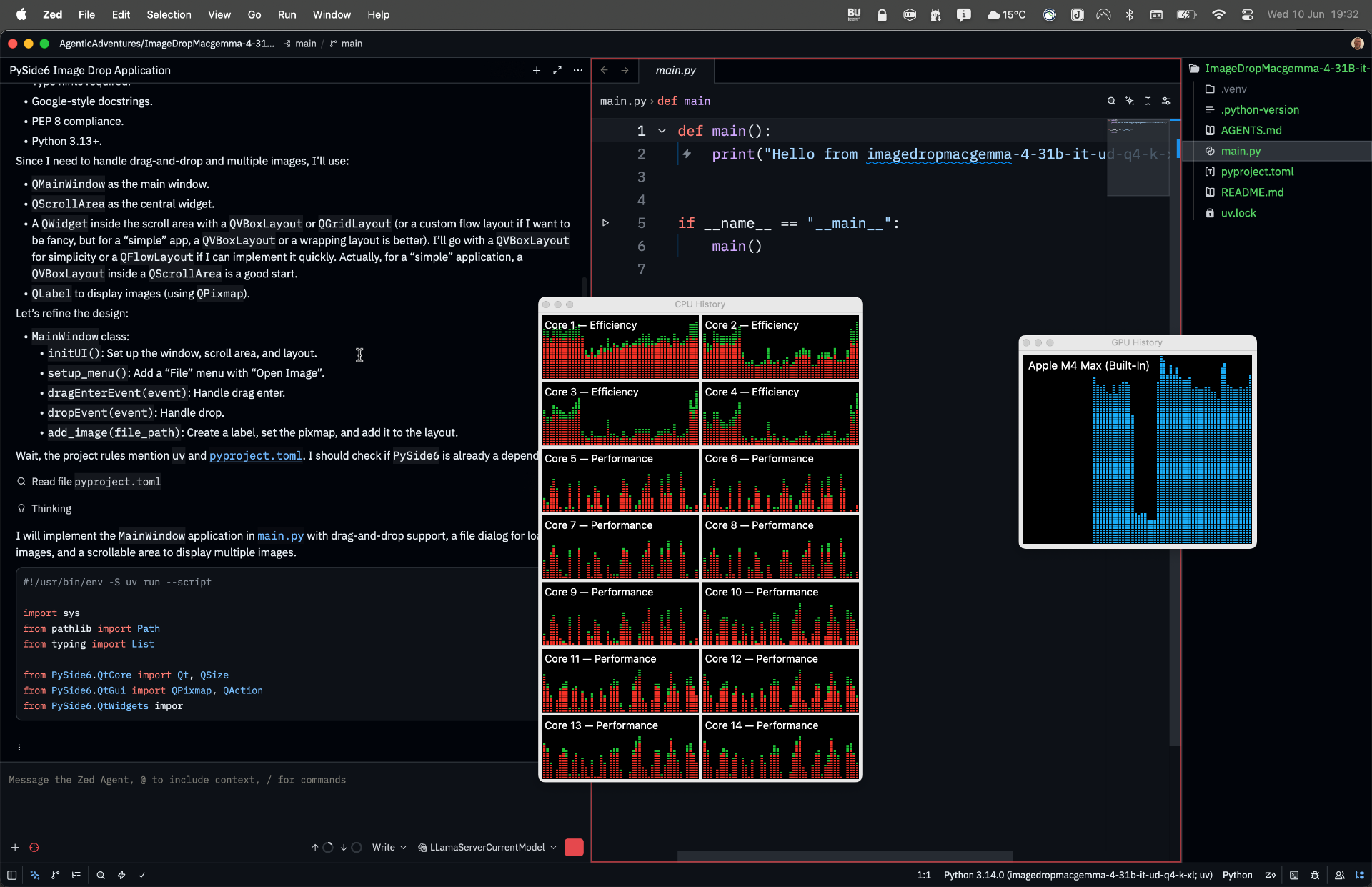
It took a long time to run but generated code, however it seemed to be unable to write it to main.cpp, in the end I had to stop the server and manually copy the code across to the main.py file. Once this was done the program ran first time and produced this
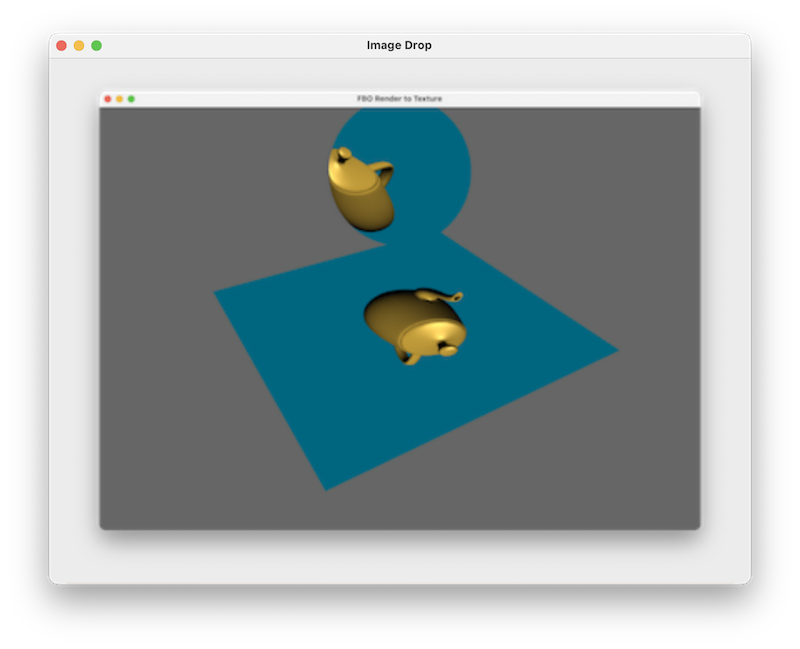
Again it failed to use the git worktrees, however all other elements work as expected, and the code has docstrings and partial type hints (It ignored the more complex Qt ones!). See AgentChat1.md for details.
I need to see if I can tune the parameters to make it work faster. I discovered from this blog
llama-server --api-key 12345 -m gemma-4-31B-it-UD-Q4_K_XL.gguf -ngl 99 \\
  -c 36000 \
  --temp 1.0 \
  --top-p 0.95 \
  --top-k 64
Which seems to work better. I did try a -c 0 but it ran out of memory so I tuned it to just about fit in my context.
Interestingly it is now also using the AGENTS.md rules and creating a worktree, however as I had forgot to add the current files to the repo it sort of went wrong. I am going to add the files and try again, it is however working much better. See AgentChat2.md.
For the third attempt I upped the context size to -c 36000 as I ran out before, this is working well now, seems the param changes really help. The app was re-created and worked first time AgentChat3.md.
So what do the params do?
The –ngl N param determines how much is offloaded ot the GPU so :-
- 0 = CPU only
- 20 = first 20 layers on GPU
- 99 = effectively “put as many layers as possible on the GPU”
For a 31B model, if your GPU has enough VRAM, all transformer layers will be placed on the GPU so can be quite fast.
I have already mentioned the -c for the context window but this table helps to figure out the sizes.
| Tokens | Rough English words |
|---|---|
| 8k | 6,000 |
| 16k | 12,000 |
| 36k | 27,000 |
| 128k | 95,000 |
In general a larger contex uses more RAM (CPU and GPU) and can increase prompt processing time.
The –temp controls randomness in the model
| Value | Behaviour |
|---|---|
| 0.0 | Nearly deterministic |
| 0.2 | Very focused |
| 0.7 | Balanced |
| 1.0 | Default/random |
| 1.5+ | Creative but can become unstable |
The –top-p flag is the nucleus sampling and determines how the model samples the tokens
- Sorts candidate tokens by probability.
- Keeps only enough tokens whose cumulative probability reaches 95%.
- Samples from that subset.
So it determines what to throw away for example
0.8  more focused
0.9  conservative
0.95 common default
1.0  disable top-p
This works in conjunction with –top-k 64 which says how many tokens to concider. So in this case only consider the 64 most likely next tokens.
For more information this article has some good info, and from further reading around the topic (most of this is new to me!) I have found that the following are used
--temp 0.3 \
--top-p 0.9 \
--top-k 40
as they give a balance between creativity and coherence (more conservative). I will use these setting next time when I try under linux.
Test 8 Linux gemma-4-31B-it-UD-Q3_K_XL
For the linux version I decided to use the new parameters discussed above.
llama-server --api-key 12345 -m gemma-4-31B-it-UD-Q4_K_XL.gguf -ngl 99 \
  -c 36000 \
  --temp 0.3 \
  --top-p 0.9 \
  --top-k 40
Unfortunatly the 18Gb model would not fit on the linux machine so I had to find a smaller version using the Q3 dataset and I let llama.cpp decide the ngl ammount. Initial impressions is that this is very slow. Perhaps the params need a tweak.
Once this is done, it seems to work ok but slower than the mac version. It has immediatly created a work tree (I think in some of the previous examples I have forgotten to add the repo to git but this time I did!). As the first run was slow and had partial work you will see in AgentChat1.md that there are some issues with it creating a worktree as a partial one already exists, I guess the user needs to improve their git hygiene!
In the end I decided to delete the existing worktree and start again. It’s still slow, but seems to be working. Initial worktree created and now creating the app.
It says it has put it into the worktree, but I can’t find the actual executable, I will ask the agent AgentChat2.md it seems it has just dumped it into the actual main.py in the project and not the worktree! Once I found it, the program ran first time and worked correctly.
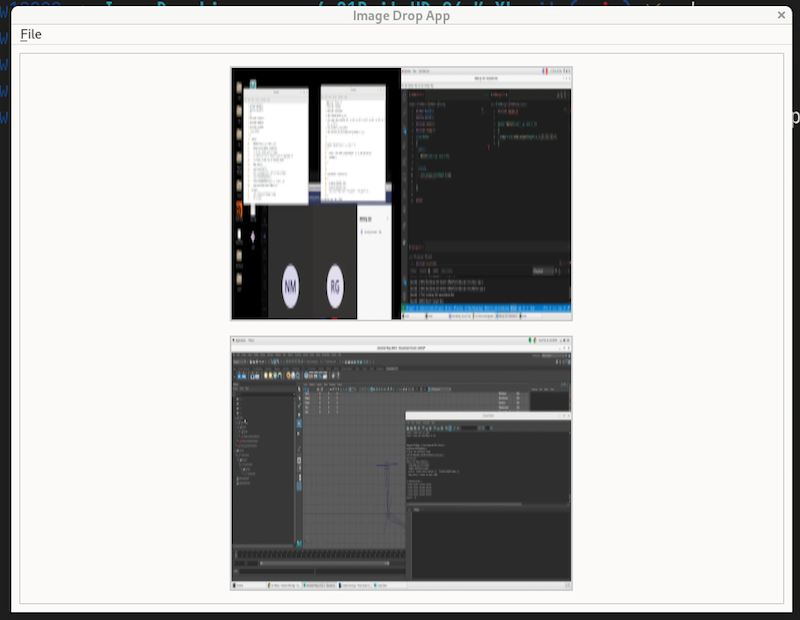 The image scaling is a little odd but the basics are there.
Analysis
Both files implement the same core application but with notable differences in quality and approach.
They have the same core features as requested such as drag and drop support, file menu with Open/Exit, scrollable image display and the samesupported formats: .png, .jpg, .jpeg, .bmp, .gif.
Same drag event logic: both implement dragEnterEvent and dropEvent with URL MIME type checking.
Key Differences
| Aspect | linux | mac |
|---|---|---|
| Image widget class | ImageLabel | ImageWidget |
| Image scaling | Fixed 400×300 pixels (setFixedSize) — distorts aspect ratio | Scales to fit within 800×800, preserving aspect ratio (KeepAspectRatio + SmoothTransformation) |
| Error handling | None — silently fails on a bad pixmap | Detects null pixmaps and shows a red error message |
| Batch loading | add_image() takes a single path, called in a loop | add_images() takes a list of paths — cleaner API |
| Drop filtering | No pre-filtering in dropEvent — delegates to add_image | Filters non-image URLs before adding, and calls event.ignore() if nothing valid was dropped |
| Layout margins/spacing | No explicit spacing or margins | 20px spacing and 20px margins on all sides |
| Layout alignment | AlignCenter | AlignTop |
| Qt enum style | Uses bare Qt.AlignCenter (older style) | Uses fully qualified Qt.AlignmentFlag.AlignCenter (PySide6 best practice) |
| Window size | 600×800 | 1000×800 |
| Window title | "Image Drop App" | "ImageDrop" |
| Type annotations | Partial | More complete (e.g. -> None on all methods) |
| Docstrings | Present but minimal | More thorough, includes a module-level docstring |
The mac version is the more polished and correct implementation. Its aspect-ratio-preserving scaling, null pixmap error handling, proper Qt6 enum usage, and cleaner drop event filtering make it notably more robust.
The linux version feels like an earlier draft (most likely due to the smaller quant and different parameters), it is functional but with a fixed image size that will distort non-4:3 images and no error handling if a file fails to load.